


Nested underneath the “OnBoard_IO” object is the PTO axis object. From here users can configure each axis they have added separately as per the application requirement by opening the motion axis object which is added under the “OnBoard_IO”.
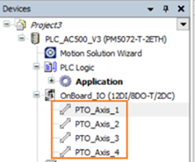
To do this double click on the object to open “Settings” tab.
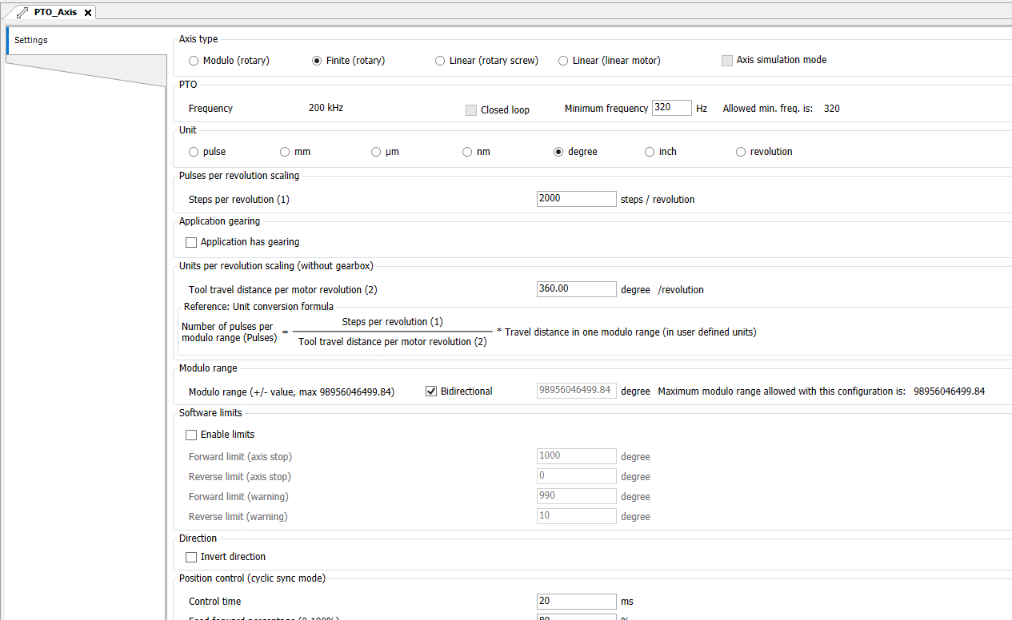
Here user can update settings as per the application requirement. Later when downloading the application, the wizard will use these settings to define the operation and scaling of this axis object.
-
PTO axis settings